Airbnb Turnover Cleaning Checklist for Hosts
A turnover cleaning is not the same job as a regular house cleaning, even though it touches the same rooms. Here is what actually separates the two.
Speed. A standard clean gets scheduled around your day. A turnover gets scheduled around someone else’s flight, and it usually has to happen inside a window measured in hours, not days.
Consistency. A homeowner can live with a slightly different result from one clean to the next. A guest cannot. Every turnover has to hit the same standard, because the next review depends on it.
A guest-ready bar, not a “tidy” bar. A regular clean leaves a home looking cared for. A turnover has to leave a unit looking like nobody has ever stayed in it: no hair in the shower drain, no crumbs in the silverware drawer, no lingering smell from the last guest’s dinner.
Restocking. A house cleaner does not refill your toilet paper or check your coffee supply. A turnover crew does, because the next guest checks in a few hours later expecting a fully stocked unit, not a shopping list taped to the fridge.
This guide covers the full checklist by room, how scheduling actually works between a checkout and the next check-in, staging so your unit matches your listing photos, restocking, damage and inventory checks, coordinating multiple listings, and what turnover cleaning costs.
The Full Turnover Cleaning Checklist by Area
Use this as a working checklist, whether you clean the unit yourself between bookings or hand it to a crew. Turn it into something repeatable, a printed copy taped inside a cabinet or a shared digital checklist, so the standard stays the same no matter who runs the turnover that week.
Kitchen
- Wash, dry, and put away any dishes left in the sink or dishwasher
- Run the dishwasher if it was left mid-cycle, do not leave it for the next guest to deal with
- Wipe down countertops, the backsplash, and the outside of every cabinet
- Clean the stovetop and wipe the oven exterior and interior door glass
- Wipe the microwave inside and out
- Check the fridge and freezer for anything the last guest left behind, remove it and wipe the shelves
- Empty the kitchen trash can and reline it
- Reset small appliances, coffee maker, toaster, kettle, to the position in your listing photos
- Restock coffee, tea, sugar, and any welcome-basket items you provide
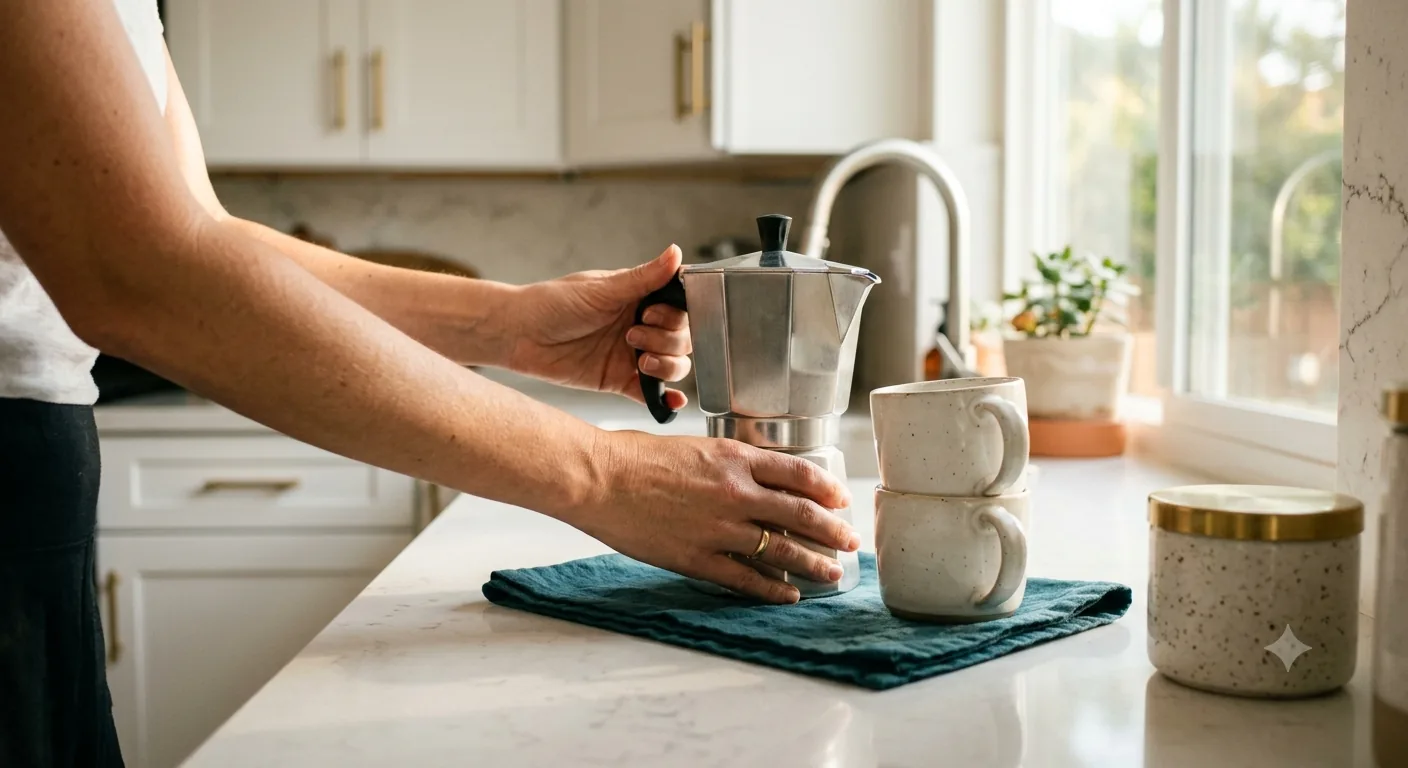
- Confirm dish soap, a clean sponge, and dish towels are all present
Bathrooms
- Descale and sanitize the shower, tub, and shower door or curtain
- Clean and disinfect the toilet inside and out, including the base
- Clean the sink, faucet, and mirror until they are streak-free
- Wipe down cabinets and drawers, and check them for items left behind
- Replace every towel and bath mat with fresh ones
- Restock toilet paper, hand soap, and any toiletries you provide
- Empty the bathroom trash can and reline it
- Check the exhaust fan for dust buildup and the floor for stray hair
Bedrooms
- Strip every bed completely, including pillowcases and the mattress protector if one is used
- Remake beds with fresh linens, wrinkle-free at minimum
- Check under the bed and behind nightstands for items left behind
- Dust surfaces, including headboards, lamps, and picture frames
- Vacuum floors and check closets for guest belongings
- Reset furniture and decor to match your listing photos exactly
- Confirm hangers, extra blankets, and pillow counts match what is in the photos
Living Areas
- Reset furniture to its photographed position, guests move couches and chairs more than most hosts expect
- Sanitize remote controls, light switches, and door handles
- Dust surfaces, shelves, and electronics
- Vacuum or sweep and mop all floors
- Check under couch cushions for lost items, snacks, or spills
- Straighten books, throw pillows, and decor to match the listing
- Test the TV, WiFi router, and any smart home devices to confirm they are working
Trash and Recycling
- Collect trash from every room, not just the kitchen
- Take all trash and recycling to the outdoor bin, never leave bags inside for the next guest
- Replace every liner
- Break down cardboard or bulky items so bins do not overflow before the next pickup
Final Walkthrough and Damage Check
- Walk every room with your checklist and listing photos side by side
- Confirm smoke and carbon monoxide detectors are in place and not disabled
- Test light switches, faucets, and door locks
- Note any damage, stains, or missing items and photograph them immediately
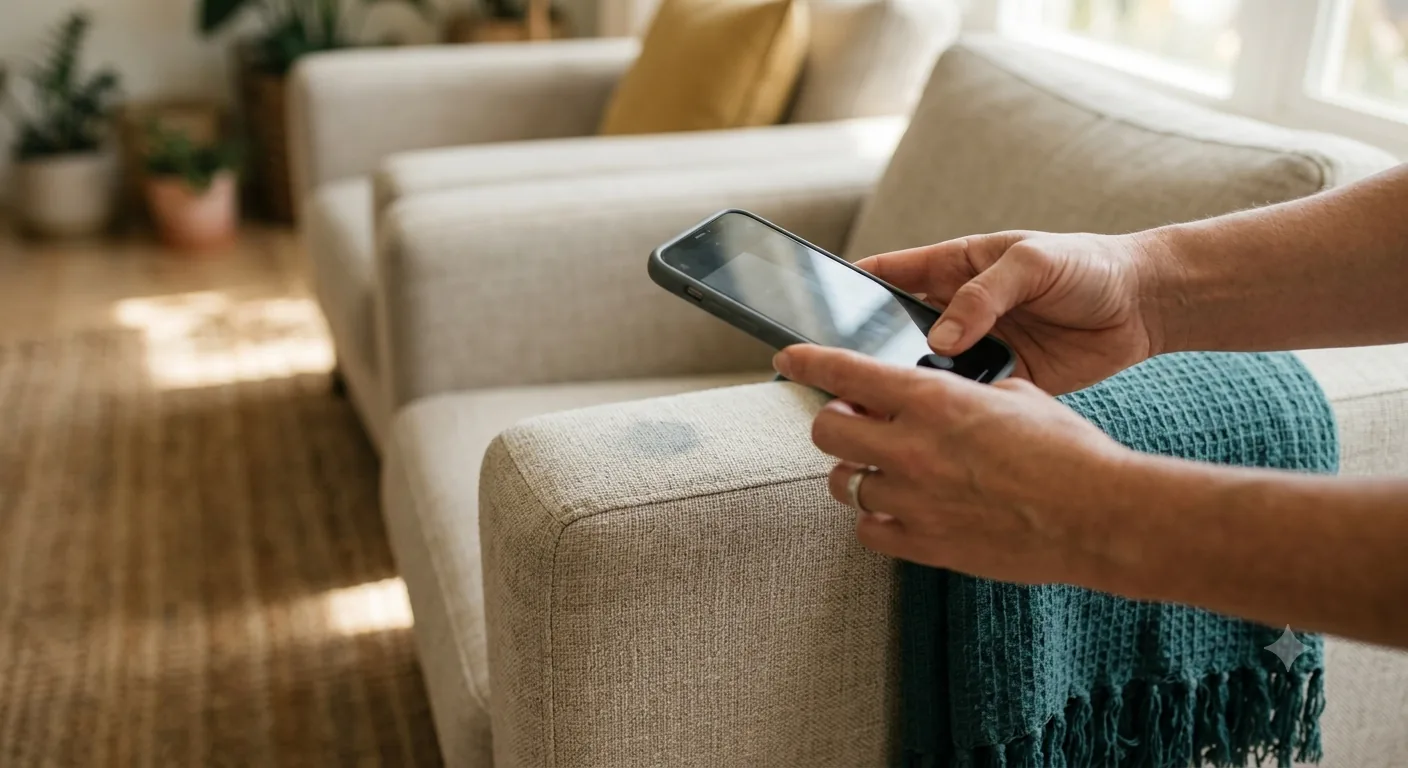
- Set the thermostat to your standard between-guest setting
- Confirm access, lockbox code or smart lock, is ready for the next check-in
Timing and Scheduling: Making Same-Day Turnovers Work
Most listings run on a 10 or 11 a.m. checkout and a 3 or 4 p.m. check-in. On paper that is a four to six hour window. In practice, back-to-back bookings compress that to one or two hours, and a late checkout or an early guest arrival can eat into it further from both directions.
This is why turnover cleaning cannot run on a regular weekly cleaner’s fixed schedule. A cleaner who already has three homes booked for Tuesday cannot drop everything for a checkout that was only confirmed that morning. A turnover needs a crew whose schedule is built around your bookings, not the other way around.
The most reliable setup is a calendar sync. You share your Airbnb, VRBO, or direct-booking calendar once, and turnovers get scheduled automatically around each checkout and check-in instead of being texted in one at a time. That removes the risk of a booking slipping through because you forgot to send a reminder.
For lead time, the safest approach is to lock in your turnover slot as a standing service tied to your calendar rather than requesting each clean individually. If you are booking one-off, flag a same-day turnover as early as possible once the checkout is confirmed, especially for a tight window under two hours, so the crew can plan the rest of the day around it. Build in a buffer where you can. A unit that is guest-ready an hour early costs you nothing. A unit that is not ready costs you a review.
If your listing books out most weekends, weekly or biweekly turnover frequency is worth setting at checkout rather than booking every clean as a one-off. It locks in a standing slot on the crew’s schedule and, since the pricing model applies the same frequency discount used for recurring cleaning, a regular turnover cadence costs less per visit than the same job requested one at a time.
Staging to Match Listing Photos
Your listing photos are the promise. The turnover clean is what delivers on it. When a guest walks in and the space looks different from what they booked, cleanliness aside, that gap is usually the first thing they mention in a review.
A few staging habits make the difference:
- Return furniture to its exact photographed position, not just “roughly where it goes”
- Match the towel fold and placement style shown in your photos, not just clean towels stacked anyhow
- Open curtains and blinds to match daylight photos, or close them to match evening ones
- Place remote controls, menus, or welcome guides where they appear in the photos, not tucked in a drawer
- Clear kitchen counters to the same level shown in the listing, even if a slightly busier counter would still be “clean”
Common staging mistakes:
- Forgetting styling items that are not technically dirty but were part of the photographed setup: a folded throw blanket, a bowl of decorative items, a specific number of throw pillows
- Leaving visible cords, chargers, or remotes on a table that photographs as clear and empty
- Not reopening blinds or curtains after a cleaning pass, so the space looks darker or smaller than the listing
- Skipping outdoor staging, patio cushions, chairs, or a grill cover, if your listing photos include the outdoor space
Restocking: What Hosts Commonly Restock
| Category | Typical items |
|---|---|
| Toiletries | Shampoo, conditioner, body wash, hand soap |
| Paper products | Toilet paper, paper towels, tissues |
| Kitchen basics | Coffee, tea, sugar, dish soap, sponge, trash bags |
| Extras | Bottled water, welcome snacks, laundry pods if a washer is provided |
The usual setup is that you keep a stocked supply closet or labeled cabinet on-site, and the turnover crew restocks from that stock at each visit and flags anything running low so you can restock the closet before the next clean. If you would rather hand off the purchasing entirely, restocking scope is one of the factors that shapes your price, so it can be built into your service instead of managed separately.
Deep-clean add-ons between regular turnovers
A standard turnover resets the surfaces a guest sees and touches. It is not built to do a full inside-the-oven or inside-the-fridge scrub every single time, and it should not need to. Buildup that a quick turnover cannot fully reach, grease inside the oven, grime inside the fridge, dust behind baseboards, film on windows, or pet hair from a pet-friendly listing, is better handled as a periodic add-on layered onto a regular turnover rather than skipped entirely. Scheduling one of these every few turnovers, or once a month for a high-turnover listing, keeps the unit at the standard your photos show without slowing down the day-to-day reset between guests.
Damage and Inventory Checks
A good turnover clean does more than reset the space, it also acts as your first line of defense on damage and missing items. A thorough pass should flag stains or tears in furniture and linens, appliances that stopped working, decor or kitchen items missing compared to what should be there, and maintenance issues noticed while cleaning, a running toilet, a loose cabinet door, a light that will not turn on.
A damage or inventory check is only as useful as what it gets compared against, so it helps to build a baseline the first week you list the unit: a short written inventory of furniture, decor, appliances, and their condition, with a few photos of each room from the angles your listing uses. Every turnover after that gets checked against that baseline instead of against memory, which is what makes it possible to say with confidence that something is actually missing or damaged rather than just rearranged.
Catching these the same day matters more than it might seem. Most booking platforms set a limited window after checkout to file a damage claim, and every day that passes makes it harder to prove which stay actually caused the problem. A same-day photo with a timestamp, taken right after the guest who caused it checked out, is a far stronger record than something you happen to notice on your next visit weeks later. It also protects your own rating: if a damage dispute or a security deposit claim ever comes down to your word against a guest’s, documentation from the day of checkout is what settles it.
Managing Multiple Properties
Hosts running more than one listing usually run into the same three problems: coordinating each unit’s cleaning separately instead of through one point of contact, inconsistent results because different cleaners handle different units, and a crew guessing which property needs attention on a given day instead of working from synced calendars.
The fix is the same checklist applied consistently across every unit, one calendar per property so turnovers get scheduled automatically, and, where units are close together, batching same-day turnovers so a crew works through a cluster of properties in one trip instead of crossing town for each one. A host with a unit in Huntington Beach and another in Costa Mesa, for example, is better served by two synced calendars and a crew that knows both units than by rebooking each turnover from scratch every time a guest checks out. If you are scaling past a couple of listings, ask about a standing arrangement rather than booking every clean individually, it keeps quality consistent and takes the scheduling off your plate.
Pricing
Airbnb turnover pricing follows the same base structure as any clean, with a rate adjustment for the faster, more consistent standard a turnover requires: a $60 base, $25 per bedroom, $35 per bathroom, then a 1.1x turnover rate applied to that subtotal. Unit size, turnover frequency, linen service, and restocking scope can move the final number up or down from there.
| Unit | Base + bedrooms + bathrooms | Airbnb rate (1.1x) |
|---|---|---|
| Studio or 1 bed, 1 bath | $60 + $25 + $35 = $120 | $132 |
| 2 bed, 2 bath | $60 + $50 + $70 = $180 | $198 |
| 4 bed, 3 bath | $60 + $100 + $105 = $265 | about $292 |
These are starting figures. Your exact price depends on how often you turn the unit over, whether you want linen service included, and how much restocking you want handled for you. Setting a recurring frequency, weekly or biweekly, at checkout applies the same discount used for any recurring service on top of the Airbnb rate, so a listing that turns over often costs less per visit than the same clean booked one at a time. First-time customers get $39 off their first clean. Run your own numbers with the instant quote to see your exact price before you book.
Reviews and Guest Experience
Cleanliness is not folded into your overall star rating on most platforms, it is tracked as its own category that guests rate separately after every stay. That means a cleanliness slip does not just quietly drag your average down, it shows up as its own number attached to your listing. It is also, in practice, the detail guests are most likely to spell out in the written part of a review: a hair in the shower or a sticky counter gets mentioned by name far more often than “the couch was slightly out of place.”
A consistent turnover standard is what keeps that category strong booking after booking. It is a smaller lift than it sounds like once the checklist, the schedule, and the crew are all reliable, and it is one of the few parts of hosting that is entirely within your control between guests.
It also compounds. A future guest scanning your reviews before booking reads the written comments more closely than the star average, and a single specific complaint, “there was hair in the tub,” carries more weight with them than a page of generic five-star praise. One inconsistent turnover can sit at the top of your reviews for months. A reliable checklist and a crew that runs it the same way every time is what keeps that specific complaint from ever getting written in the first place.
Frequently Asked Questions
Do you sync with my Airbnb, VRBO, or direct booking calendar? Yes. Share your calendar once and turnovers get scheduled automatically around checkouts and check-ins, no need to text in each booking separately.
How much lead time do you need to book a turnover? A standing arrangement tied to your calendar works best since it needs no advance notice for each booking. For one-off requests, flag the checkout as early in the day as possible, especially for a tight window between guests.
What happens if a guest checks out late? Tell us as soon as you know so the turnover window and the rest of the day’s schedule can be adjusted. A late checkout that is flagged early is manageable, one we find out about after the fact is much harder to fix in time.
Do you provide linens and towels, or clean the ones I already have? Both options are available. We can launder and reset your existing linens, or provide a linen service if you would rather not manage laundry between stays.
Do you restock supplies, and who pays for what gets restocked? Yes, we restock from a supply closet or stock you keep on-site and flag anything running low. If you would rather hand off purchasing too, that can be scoped into your service.
Will you flag damage or missing items? Yes. A damage and inventory check is part of every turnover, and anything out of place gets photographed and reported the same day.
What if the unit is not guest-ready in time for the next check-in? Tell us within 24 hours and we address it free, backed by our satisfaction guarantee.
Can I set up a recurring turnover schedule instead of booking each clean separately? Yes, and it is the more reliable option for hosts with regular bookings. A standing schedule tied to your calendar means you are not manually requesting each clean.
Do you clean multiple properties under one arrangement? Yes. Hosts with more than one listing typically set up one point of contact and one calendar sync per property so quality stays consistent across units.
How do you access the property? However you already grant guests access, lockbox code, smart lock, or a key. Let us know your setup when you book.
What if a guest leaves the unit in worse shape than a normal checkout, a party, pets, or heavy mess? Contact us before your next scheduled turnover so it can be scoped correctly. An unusually heavy mess may need more than the standard turnover time to get the unit back to guest-ready.
Do you clean outdoor spaces like a patio, balcony, or shared pool area? Outdoor staging and cleaning, patio furniture, cushions, and grill areas, can be included if they are part of your listing. Mention it when you set up your service.
How much does Airbnb turnover cleaning cost? Price depends on unit size, turnover frequency, linen service, and restocking scope. Use the instant quote for your exact price.
Can you match my exact checkout and check-in times? Yes, that is the core of how turnover scheduling works here. Turnovers are timed to your booking calendar, not to a fixed weekly slot.
Do you offer deep-clean add-ons like inside the oven, fridge, or windows between regular turnovers? Yes. Fridge, oven, cabinets, windows, laundry, baseboards, and pet hair are all available as add-ons, useful for scheduling a deeper reset every few turnovers without slowing down the standard between-guest clean.
Does setting up a recurring turnover schedule actually lower my price? Yes. Choosing weekly or biweekly frequency at checkout applies the same discount used for any recurring service, stacked on top of the Airbnb turnover rate.
Book Your Turnovers
A guest-ready unit, on time, every checkout, is the whole job. See how Airbnb turnover cleaning works and get an instant quote for your property.
or call +1 (949) 330-0081.